Free tool
Make your Tesla’s lock sound.
Design a sound, record your own voice or trim a sound you own. Press play to hear the car lock with it, then download a LockChime.wav the car accepts. Nothing is uploaded.
 Double chirp
- Length
- 0.30 s
- File size
- 27 kB
WAV, mono, 44.1 kHz, 16-bit. Under the car's 1 MB limit with 973 kB to spare.
Finishing
Five steps
Put it on the car
These follow Tesla’s release notes for the lock sound feature and the Model 3 owner’s manual. Menus can move between software versions; if yours looks different, search the car’s release notes for “Lock Sound”.
| File name | LockChime.wav |
|---|---|
| Format | .wav, under 1 MBThis tool always saves it that way. |
| Where | Top level of a USB drive |
| Car | Outside speaker fittedThe Pedestrian Warning System speaker. Software from the 2023 holiday update or newer. |
- Save the fileDownload it here. The name has to stay exactly LockChime.wav.
- Copy it to a USB drivePut it at the top level of the drive, not inside a folder.
- Plug the drive into the carOn newer cars, use the USB port inside the glove box. The center console ports on many of them only charge.
- Pick it on the touchscreenToybox, then Boombox, then Lock Sound, then choose USB.
- Lock the car from outsideWalk away or tap the lock button in the app. That is your sound.
Your voice, your sounds
Use your own voice, the sounds designed here, or audio you have the rights to. Do not use copyrighted songs or clips from films, shows or games. Check your local rules before playing sounds from the outside speaker in public places.
Questions
The short answers.
Is my recording or file uploaded?
No. The sound is recorded, trimmed and saved by your own browser. It never leaves your device, and there is no account.
Which cars can play a custom lock sound?
Cars with the outside speaker (Tesla calls it the Pedestrian Warning System) on software from the 2023 holiday update or newer. Older cars built without that speaker cannot play it.
Why is the sound limited in length?
The car asks for a .wav under 1 MB. This tool saves mono, 16-bit audio, so 10 seconds always fits. Short sounds work best anyway: one to three seconds.
Can I use a song?
Only if it is yours or you have the rights to it. Your own voice and the sounds designed here are always fine.
I am on an iPhone. How do I get the file to the car?
The download lands in the Files app. From there, send it to a computer to copy onto a USB drive, or copy it straight to a drive that plugs into the phone.
While you are here
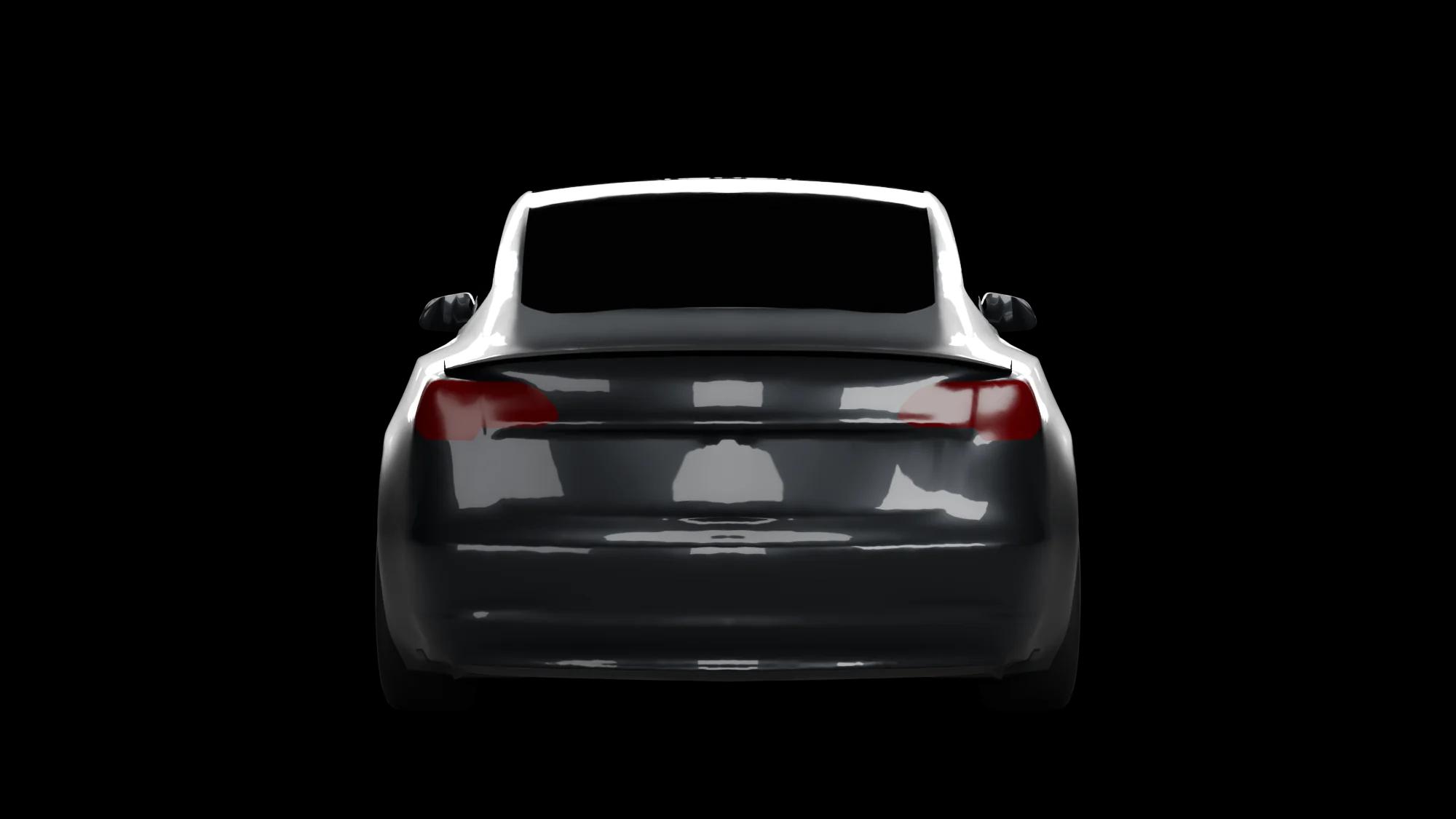
The spoiler in that picture is real
The car above wears the V3 Alpha, one of two Model 3 rear spoilers we developed in CFD. Both add about 110 to 120 N of rear downforce at 80 mph on our finest simulation, at a calculated weight of about 225 g.